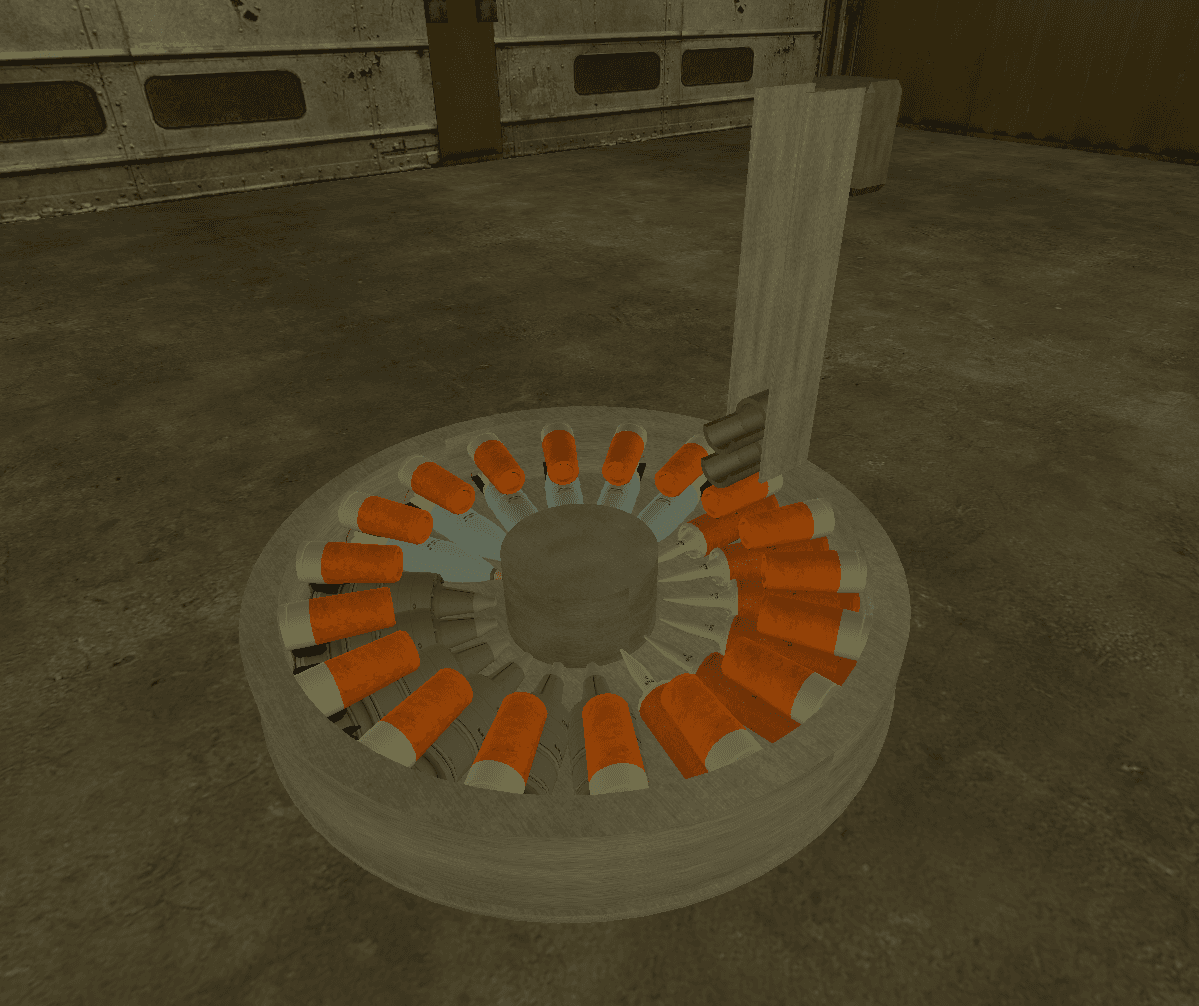
RDC's T-72 Autoloader - Edited by hideki V3.0
Description
Originally uploaded by Red Deadly Creeper
Edited and fixed by hideki
REQUIRES "MODERN BATTLE MODELS" ADDON
https://steamcommunity.com/sharedfiles/filedetails/?id=2718150020
Awesome detail to add in your T-72 or T-90.
3 Shell types available
- APFSDS
- HEAT
- HE/ATGM
How to Use
Wiring the inputs 1. Fire
- Link it to the button or key that you are using to fire your cannon
- Its the input that starts the reloading animation
2. SwitchAmmo
- Link it to the button or key that you are using to switch the ammo type
- The input that makes the carousel animation
3. GunReady
- Link it to your cannon output "Ready"
4. Reset
- Resets the chip
Wiring in the outputs 1. FireOut
- Outputs 1 when cannon is fired and the autoloader
starts its job
- Its just the cannon output "Ready" but inverted
Using a wire_indicator with it 2. APActive, HEActive and ATGMActive
- APActive will output 1 if the selected ammo is AP
- HEActive will output 1 if the selected ammo is HE
- ATGMActive same.
- You can link your ammo crate on them, or an indicator to see wich type of ammo is activated
Wiring AP ammo crate's "Active" to E2's "APActive" Editing the chip Scale = 0.95 #Changes autoloader scale
ShellCountAPDS=6 #APFSDS count
ShellCountHE=6 #HEAT count
ShellCountATGM=6 #ATGM count
AutoloaderHeight=7 #Height
MainMat="WTP/metal_3"
MainColor=vec(123,146,92)
SecMat="WTP/metal_3"
SecColor=vec(150)
Rate this Build
Discussion (0)
Sign in to join the discussion
rdc_t-72_autoloader_v3.0_edited_by_hideki.txt
Uploader

hideki
👤 User